

Adding Data
Last updated: June 22, 2026
Once you defined the structure of your posts in the previous step, it is time to create real data based on that structure. In WEEGLOO, this kind of real data is managed as a resource called Content. If a Content Type is the blueprint that defines the format of your data, then a Content is one concrete piece of data built from that blueprint.
Creating a single post
Create a new Content based on the Article Content Type you made earlier.
- In the left menu, click Contents.
- Click Create in the top right, then choose
Articleon the template selection screen. - When the editor opens, the Fields you defined earlier appear exactly as set up. Enter the post's title and body in
titleandbody. - If needed, upload an image to
imagesand an attachment toattachments, and choose acategory. - Click Create to save.
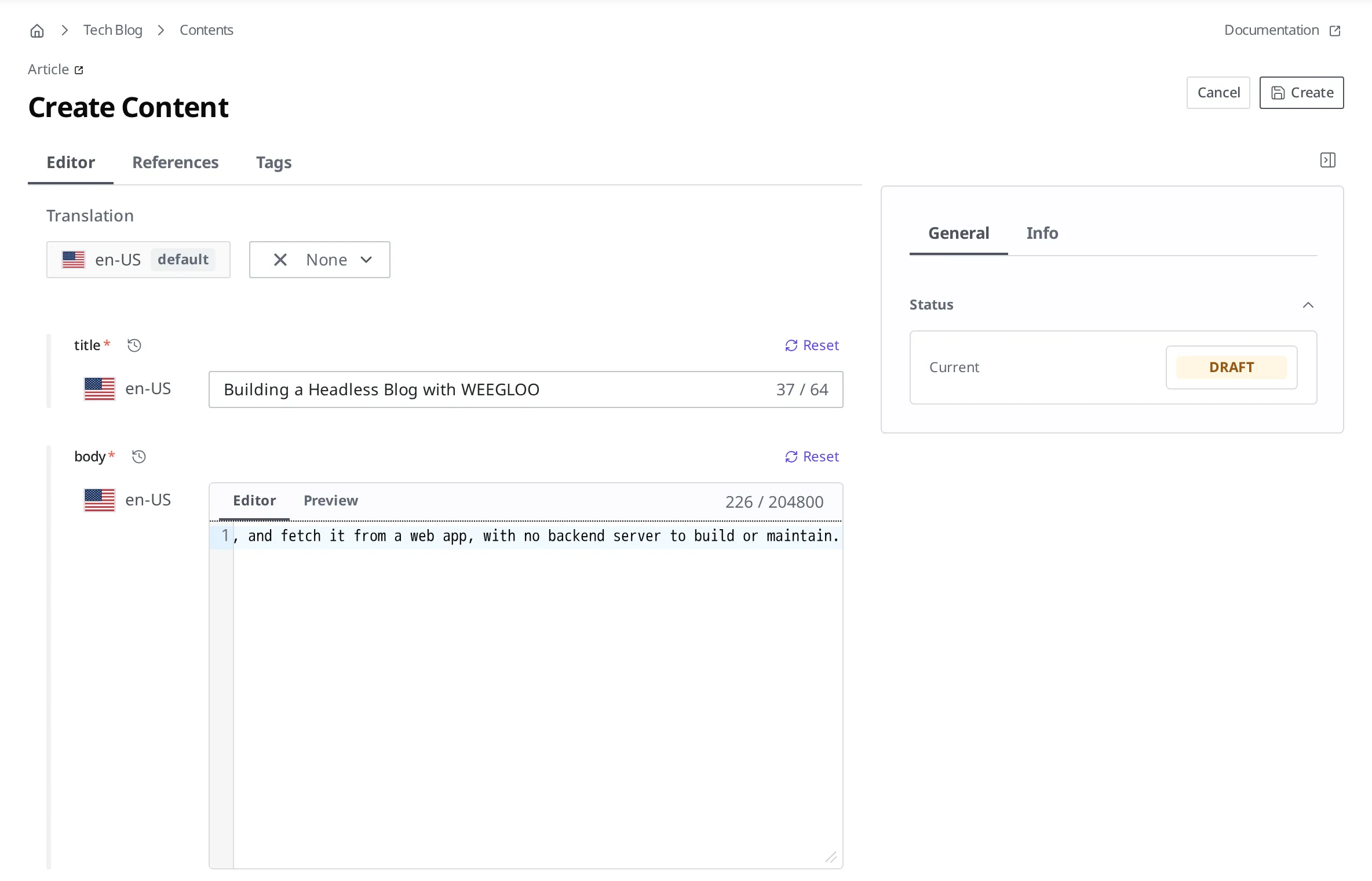
Fields defined as the Media type, like images and attachments, work by uploading a file and linking it. This lets you keep images and resources related to the post together in one place.
This process creates a single post Content. After you save the Content you made, you have to release it with Publish for it to reach visitors. The flow for creating and publishing a Content, along with how to upload Media files, is covered in detail in Authoring and Publishing Content.
Fetching your data from outside
A published Content does not just stay in the management screen. You can fetch it through an API so that external services can use it. WEEGLOO provides every resource through a RESTful API (a way of exchanging data via addresses according to a fixed set of rules), so you can pull a published post into a web application or mobile app and use it as is.
Not only Content but also resources like Content Type and Media can be created (Create), read (Read), updated (Update), and deleted (Delete) the same way. When reading in particular, you can pass options such as sorting, filtering, and whether to include related data, so you can fetch data in the shape your service needs.
The specific usage and options of the API are covered in the API Reference.
Now that your real data is ready, in the next step you will build a web application that fetches this data and shows it to visitors.
- Connecting Your Service: Build a web application that fetches your published posts through the API and displays them on screen.